AMB82-Mini WebSocket Viewer – Video window black, WebSocket errors (code 1006)

Hi @pammyleong , @Kelvin_Huang , @KevinKL,

I’m using the AMB82-Mini with the Realtek RTOS SDK and running the media_websocket_viewer / WebSocket Viewer example. My setup includes the F37 camera module. The web page loads normally at 192.168.0.105, and the browser successfully sends commands such as start_stream and get_version.

However, the video window stays completely black.

In the UART log, I consistently see these errors after starting the stream:

send() err: 119
Send failed: status=3
send() error: 104
WebSocket connection closed (code=1006)

And sometimes:

TM Queue Full
Web viewer: connection closed unexpectedly

The WebSocket closes immediately after these errors and the video never appears.

Could someone help explain what the issue might be or how to solve it?

Thanks & Regards

Madava Ramagiri

Hi @madava_ramagiri ,

  1. You could eliminate if it is hardware connection issue first. First, try to run an example that does video recording / RTSP stream. Check that video recording / RTSP stream is working properly first.

  2. How is your network setup? From the RTSP stream example, you could tell if your network is setup correctly.

Thank you.

Hi, @Kelvin_Huang

Thanks for the suggestion.
I tested RTSP video streaming using the RTOS SDK, and the RTSP stream works correctly — video is visible without any issues.
So the camera hardware and sensor (F37) are working properly on RTOS.
The issue happens only in the WebSocket Viewer example, where the WebSocket connection works but the video frame is not displayed.

Please advise what I should check next.

Thanks & Regards

Madava Ramagiri

Hi @madava_ramagiri ,

Can you disable your firewall and try?

Thank you.

Hi @Kelvin_Huang,

I will try disabling the firewall and test again.
Thank you for the suggestion. I will update you with the result shortly.

Thanks & Regards

Madava Ramagiri

Hi @madava_ramagiri,

Can I check if you have modified your sensor.h file to JXF37 as your used camera sensor?

After modifying the sensor.h, you need to do a clean build, and amebapro2_sensor_set.json will be automatically updated.

  1. Modify sensor.h (Refer to ISP — AmebaPro2’s Documentation v0.1 documentation )
  2. cd to build folder and rm -rf * to clean up build folder
  3. rebuild the example

Now you should be able to use the sensor.

The updated amebapro2_sensor_set.json can be found in \GCC-RELEASE\build\application after compiling.

Hi @pammyleong,

I have tested again and here are the details you requested.

  1. WebSocket server starts normally, but after sending a few commands the connection closes.

  2. The error appears when the device tries to send WebSocket video frames:

send() error: 119
Send failed: status=3
wsfs_connection_flush_pending: send() err: 119

  1. Full log also shows:
[video_set_rc] ch0 rc_info not init

  1. My sensor.h is already configured to JXF37 (F37). I am attaching my sensor.h file for verification.

  2. RTSP streaming works correctly on RTOS SDK, so network setup is OK.

  3. I rebuilt the project after modifying sensor.h and the firmware flashed successfully.

Please advise why the WebSocket viewer stops working and why rc_info is not initialized even though the correct sensor is selected.

Thank you.

Hi @madava_ramagiri ,

This log for ch0 rc_info not init is not an error. Media_websocket_viewer can still play.

Can you try this FW? We have tried on our end and able to see the stream on our browser.

flash_ntz.zip (1.7 MB)

Thank you.

hi @Kelvin_Huang

Thank you, the flash_ntz.bin file you provided is working correctly on my end as well.
Could you please let me know what changes or updates were made in this firmware compared to my previous build?
I want to understand what was modified so I can apply the same fixes in my own project.

Thanks & Regards

Madava Ramagiri

Hi @madava_ramagiri ,

Can you check your sensor.h and ensure that FCS is turned off?

Thank you.

hi @Kelvin_Huang,

“I have confirmed that my sensor.h already has #define ENABLE_FCS 0.
However, I still see FCS-related messages during boot:

FCS KM_status 0x00000082 err 0x00000000
FCS TM_status 0x003f0000
fcs final cmd 0x3d7a0b48 index 17
store fcs data for application
fcs OK
read fcs_status 0x0000007f
Can't find ff ff ff ff

When I use the firmware you provided, these FCS messages do not appear.
Can you please let me know what changes you made in your working .bin file?”

Thank you

Madava Ramagiri

Hi @madava_ramagiri ,

That is strange, because all we changed is the sensor.h, after using the main branch of ameba-rtos-pro2. I can pass you my sensor.h and you can try compiling again.
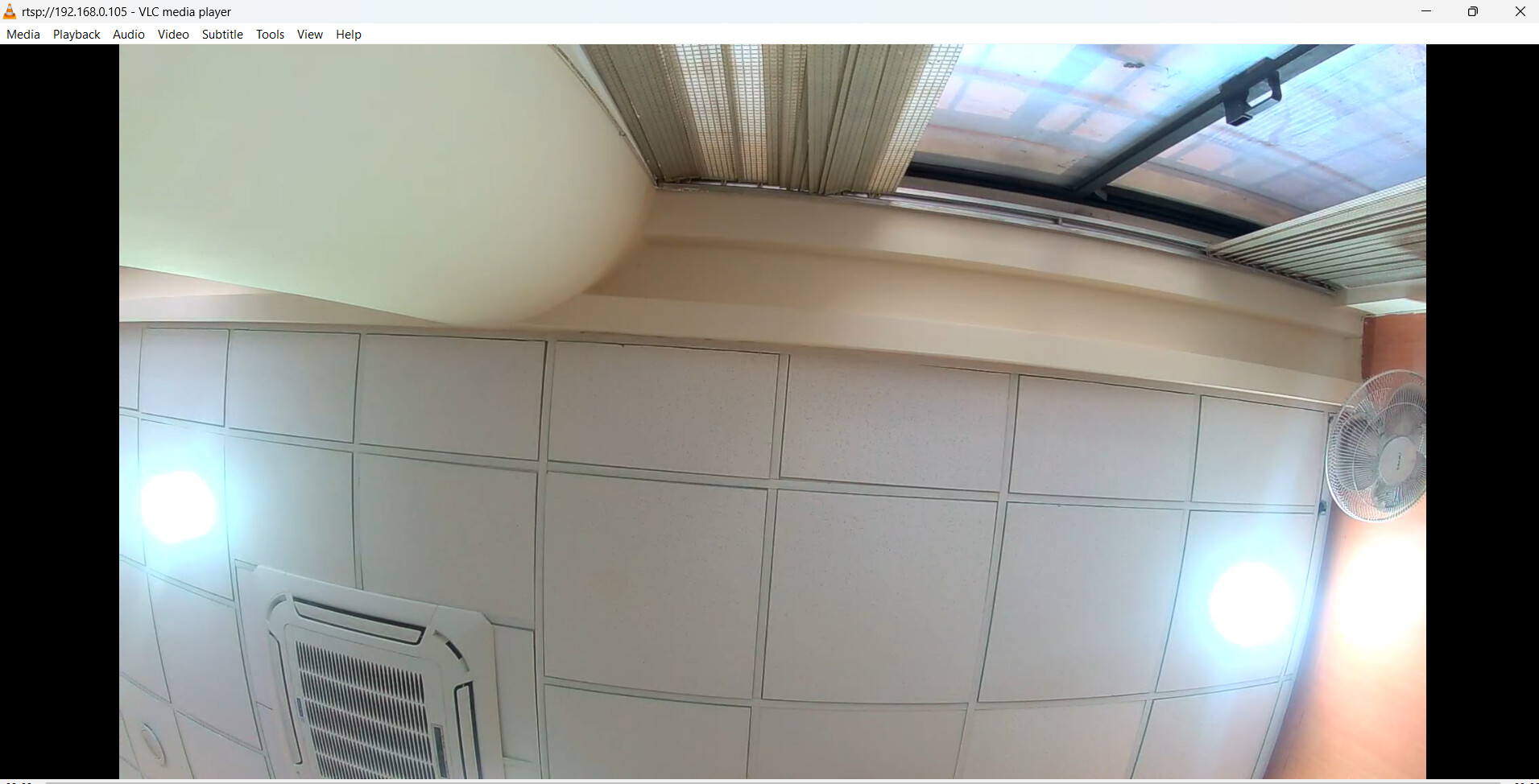
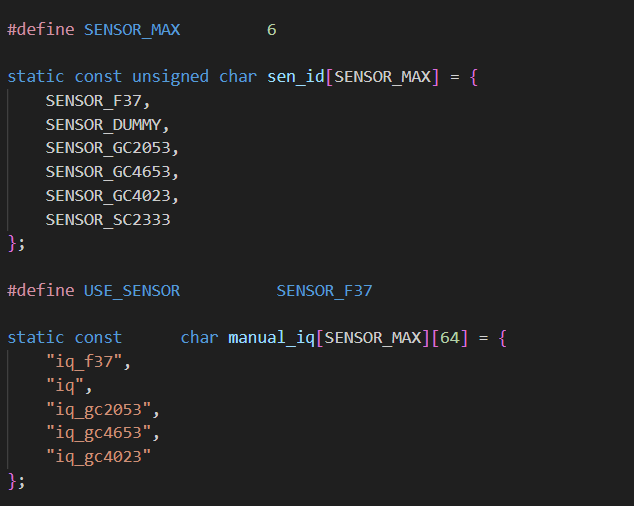
sensor.zip (2.1 KB)

Thank you.

hi @Kelvin_Huang,

Thanks for the sensor.h file, I will compile it again and let you know the updates.

Thanks & Regards

Madava Ramagiri

hi @Kelvin_Huang,

Sorry for the delay, i have compiled again web socket viewer example with your sensor.h file its working perfectly on my end.

Thanks for the file and solution.

Thanks & Regards

Madava Ramagiri.