azhaque
1
Hi,
#include “filename.h”
I am using the above instruction in a sketch. I have tried placing it in
- Main Arduino libraries folder
- Sketch folder
- The libraries folder created by the Realtek sdk (3.1.9).
However the error is a persistent file or directory no found. What is the mistake I am making
- Please help
- Regards
Pammy
2
Hi, @azhaque
If you’re using the Realtek SDK, please create your example under:
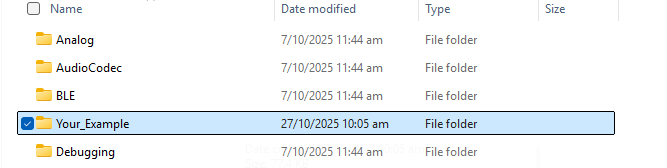
Arduino15\packages\realtek\hardware\AmebaD\{SDK version}\libraries
If you wish to create additional folders for your own use, you can refer to the structure of existing folders as a guide.
For example,
- Create a new folder that includes the following essential files and subfolders:
-
examples
-
src
-
keywords.txt
-
library.properties
-
Open the library.properties file and update the following line: name={Display name of your folder as it should appear in the Arduino IDE}
-
Place filename.h inside the src folder.
Then include it in your sketch
Thanks. Let me try and test